02-07-2015, 02:38 AM
- Login and click "User CP" (top left)
- Click "Change Avatar" (left)
- Upload or link to your image!
- Max image dimensions: 200x200
- Max image filesize: 1MB (1000KB)
Have questions or want to discuss cycling? Join Now or Sign In to participate in the BikeRide community.
![[-]](https://forums.bikeride.com/images/flatty/collapse.png "[-]")
|
|
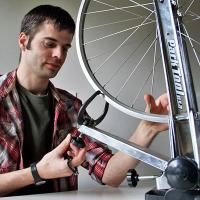
Topree TL-P3 Tensiometer Review
Today 11:28 AM |
|
Using ChatGPT for training
Today 11:12 AM |
|
Hello All
Today 11:09 AM |
|
Are 26" really dying out?
Today 11:07 AM |
|
Our new review format – we'd like your f...
Today 11:05 AM |
|
How to clean a bike for beginners (Foxte...
Today 11:02 AM |
|
Colnago C64 setup advice
Today 10:59 AM |
|
Should eBikers have to get an eBike lice...
Today 10:52 AM |
|
Catastrophic bicycle failures
Today 10:46 AM |
|
Let's see your road bike (post yours)
Today 10:38 AM |
|
|
| Feel free to join if you are on Strava: www.strava.com/clubs/bikeridecom |
|
|
||||||||||
|